I've seen people make their text be highlighted, how do I do that
Click the paint button on the far right of the editing(?) row(?)

Switch to the markdown editor (looks like this)
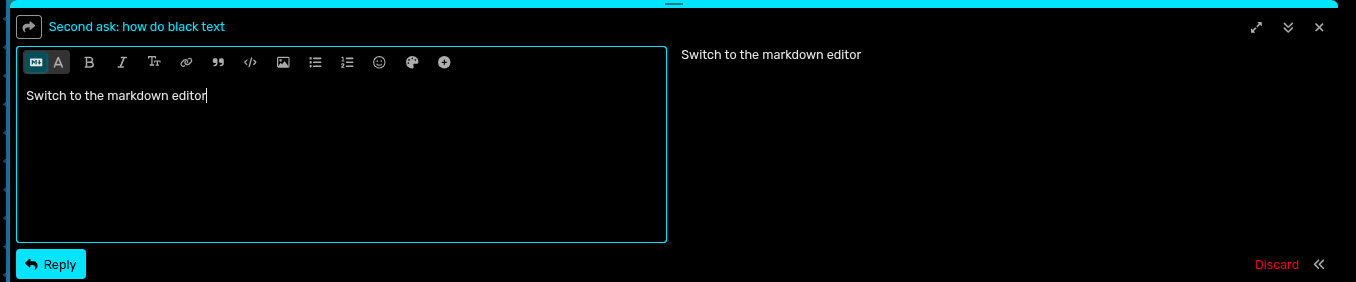
Hit the paint Icon in the top right
Something like this should show up
[wrap=color color=white bgcolor=black]<! --substitute this text-->[ /wrap]
Replace "color=white" with your desired colour
You can also replace "bgcolor=black" for highlights.
so like... this? nice
yea
It's pretty cool
You can do someneatthings with ithehe sneaky
2 Likes
Oh no, not the big bad darktext detector!
1 Like
I cast Playmancy! Rise…
1 Like
PANDEMONIUM intesifies
1 Like
Huh
WAR intensifies
“This prison… to hold… ME?” - Jack out the box
Is this right?
DOES THIS LOOK COOL?
Greenster
Not so sneaky now ;)
Mua ha ha ha!