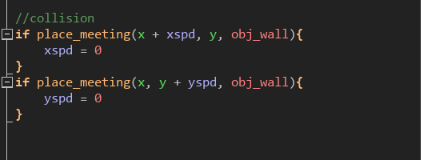
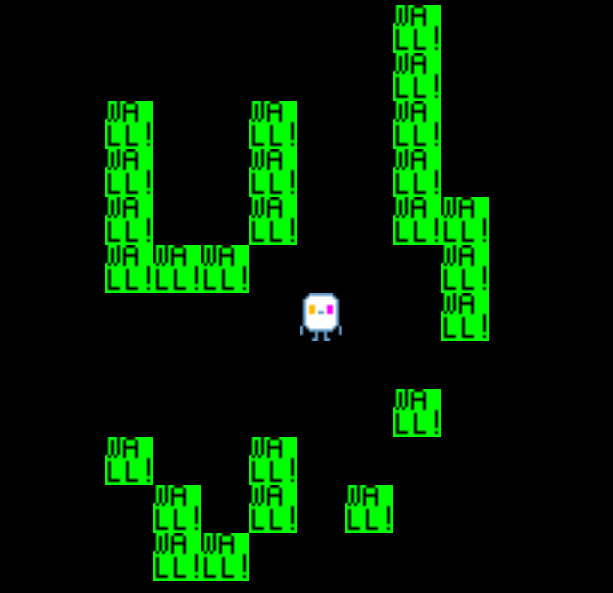
yea
uhhh
prob just open notepad
paste the code you have rn
and make a new "pixel project"
then it will be clear
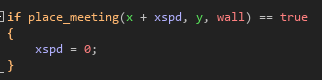
we are using the same code. i just realized mine is halfway done
yea
so only left and right collision will work
also what tutorial are you using
that is good yea
also
if you want like
party members
and deltarune style dialouge
look up "how to make an undertale/deltarune fangame in gms2" and 2 playlists should show up
that should work.
PS: i would reccomend changing your "wall" object's name to "obj_wall" or "objWall", as 1) it makes it easier to quickly see if it is an object 2) if you ever wanted a sprite for wall, you couldnt name it wall since there is already something with that name, so you would name it "spr_wall" or "sprWall"
okay. two things.
1 how do i use a sprite sheet,
2 how do i copy all the stuff in the project
Big flying eyeball or small flying eyeball (in proportion to the size of your character not the size of actual eyes)
TO: I know there's a big eye ball boss too though
Ok good good
The last thing you want is the Eye of Cthulu spawning when you aren't prepared
sprite sheets
ill show an example:
so ill use the susie sprite sheet rn for reference but
if you want to get the animation for, lets say her walking down animation
we would

create a new sprite, name it.... lets say, "spr_susie_down"
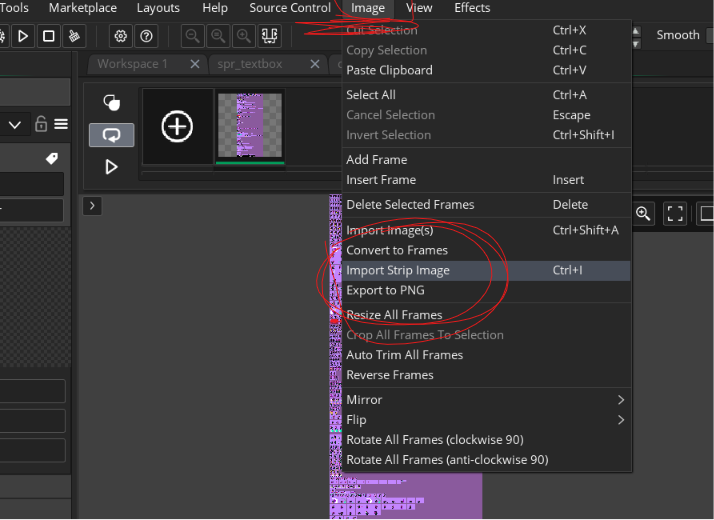
now, we push "edit image", then we push image -> import strip image and choose our file
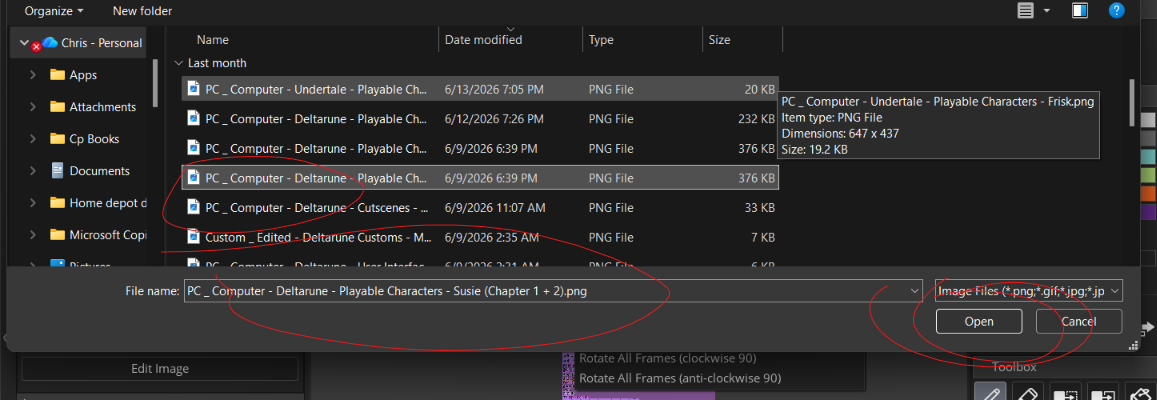
now we zoom into our image (in the popup) and we change the values accordingly:
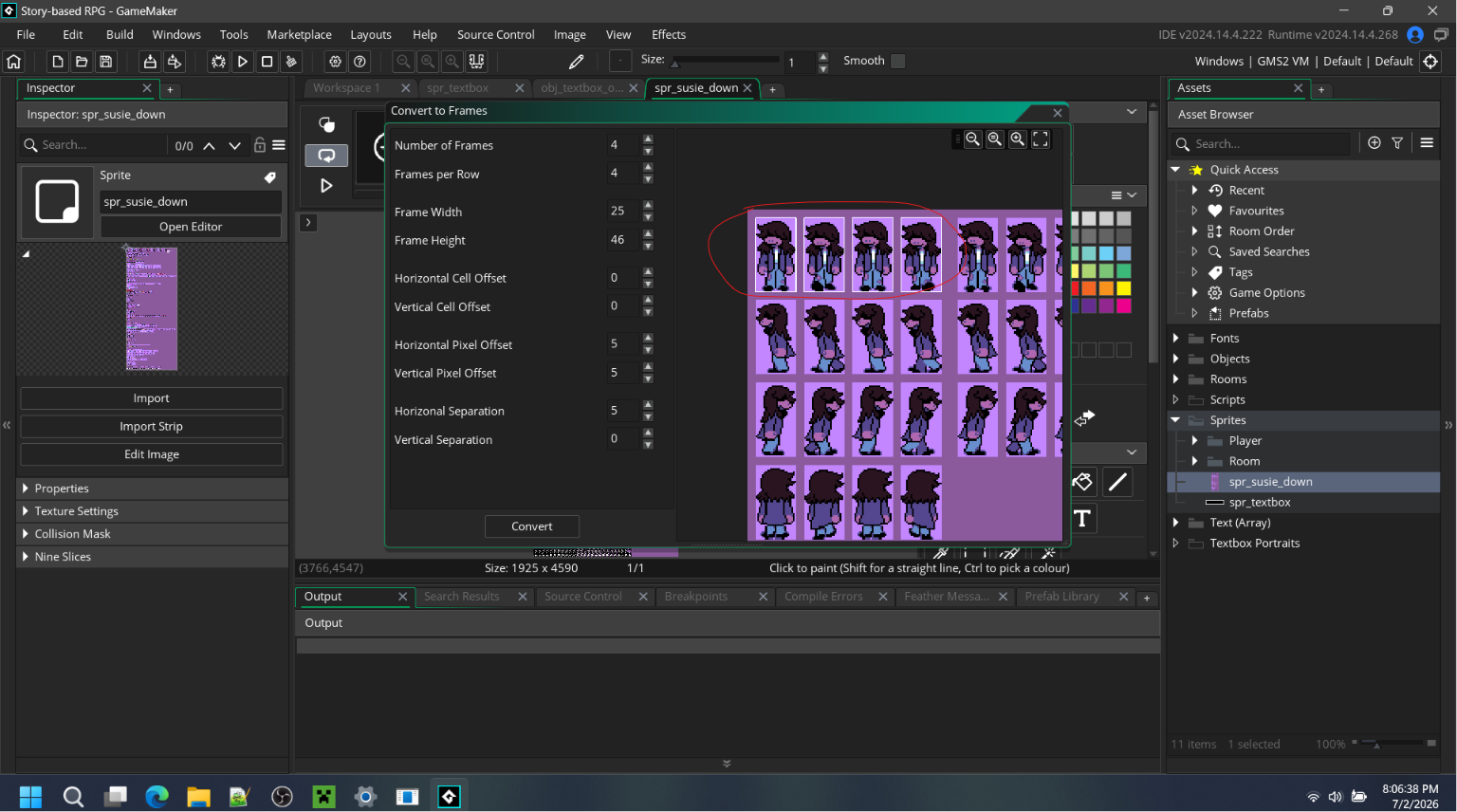
number of frames: how many frames are in our animation
frames per row: self explanatory, how many frames are in each row
frame width: how big in width one frame is (just eyeball it until it looks right)
frame height: how big in height one frame is (just eyeball it until it looks right, again)
horizontal cell offset & vertical cell offset: ignore these, they fr are useless (kinda)
horizontal pixel offset & vertical pixel offset: in the sprite sheet, you can see that the susie sprite is NOT directly in the corner. you use these values to set the offset so it aligns to the corner of the first sprite
horizontal & vertical separation: the distance between the individual sprites, as the susie sprites are NOT exactly side by side.
now push "convert" and say "yes"
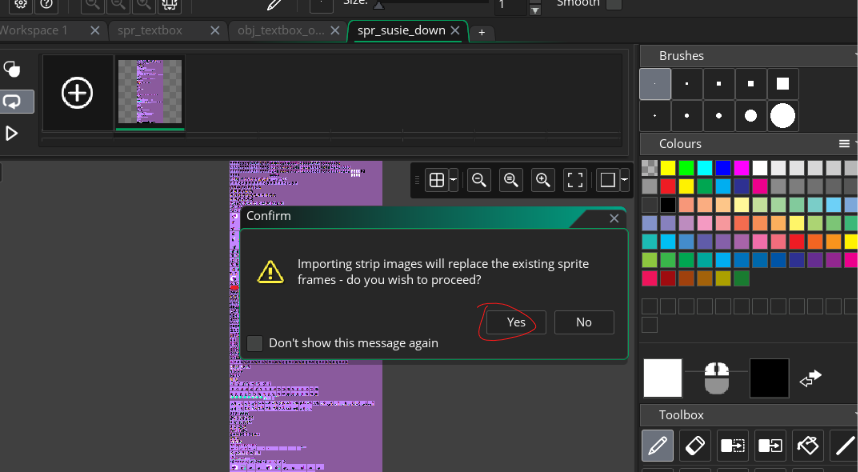
now use the "color remove" tool to remove the bg (if there is one) in the individual frames until your frames look like this (or similar to this):
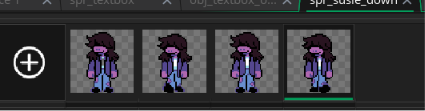
now, change the FPS, then, youll have a good animation!

(oh hell nah that was long)
...
for your second question... you cant, but you can make a new project (MAKE IT A "blank pixel project" FOR PIXEL ART), then, alternate between the 2 projects, copy and paste the code to the other.
(OH MY GOSH THAT WAS LONG  )
but yea thats it
okay thanks
(also to get deltarune and undertale sprite sheets use the spriters recourse)
TO: real
ik
you know what, i was thinking of doing an art style change anyways. this just gives me an excuse to do so